
Mac OS
Firstly enter your Cirrus Connect address into your chosen web browser.

You will then be forwarded to your single sign on security provider.
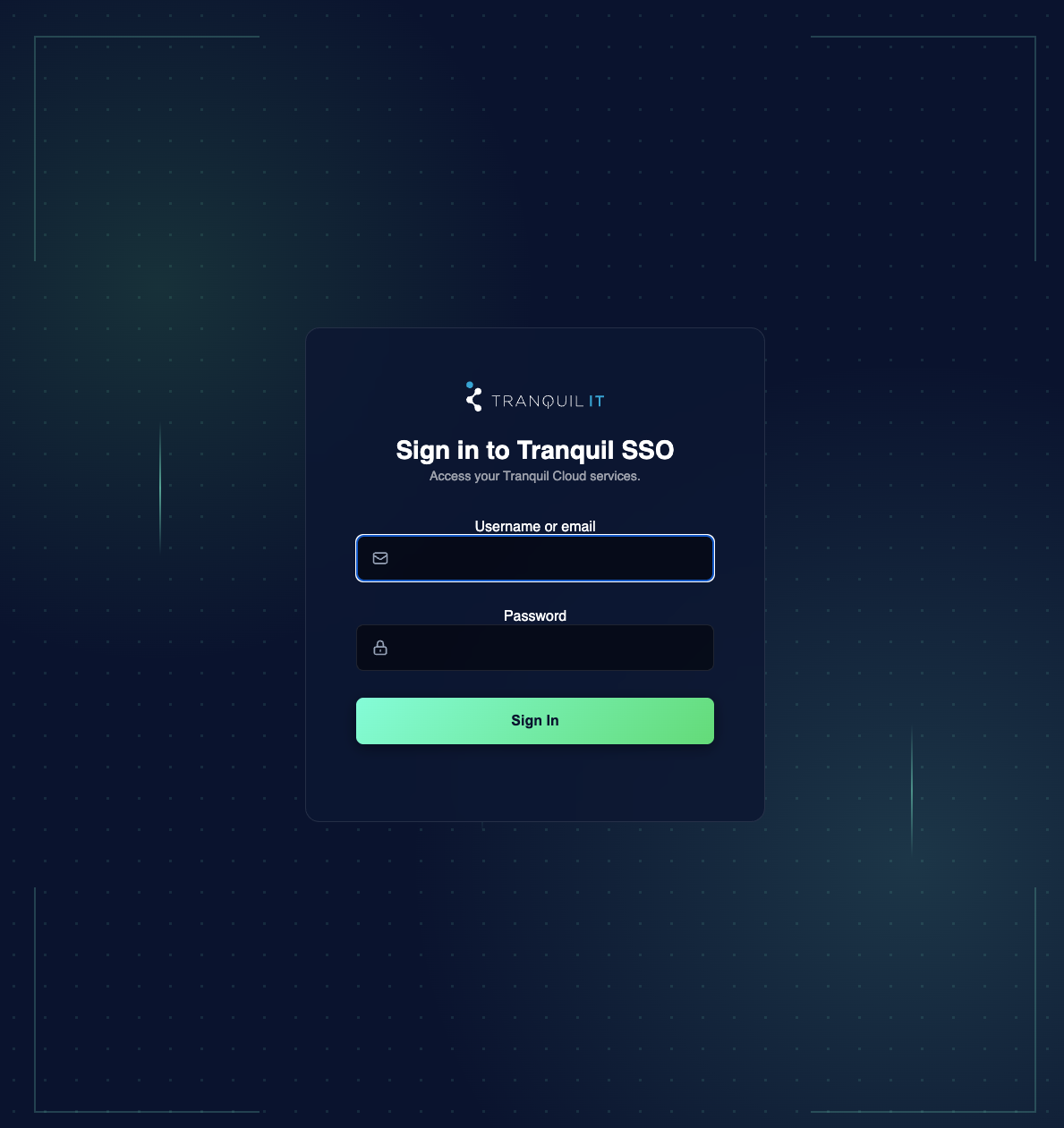
Enter your username and password and complete two factor authentication as usual. You will then be brought into your netbird setup console. If you are a VPN administrator you will receive a different window. Details for Administrators can be found here
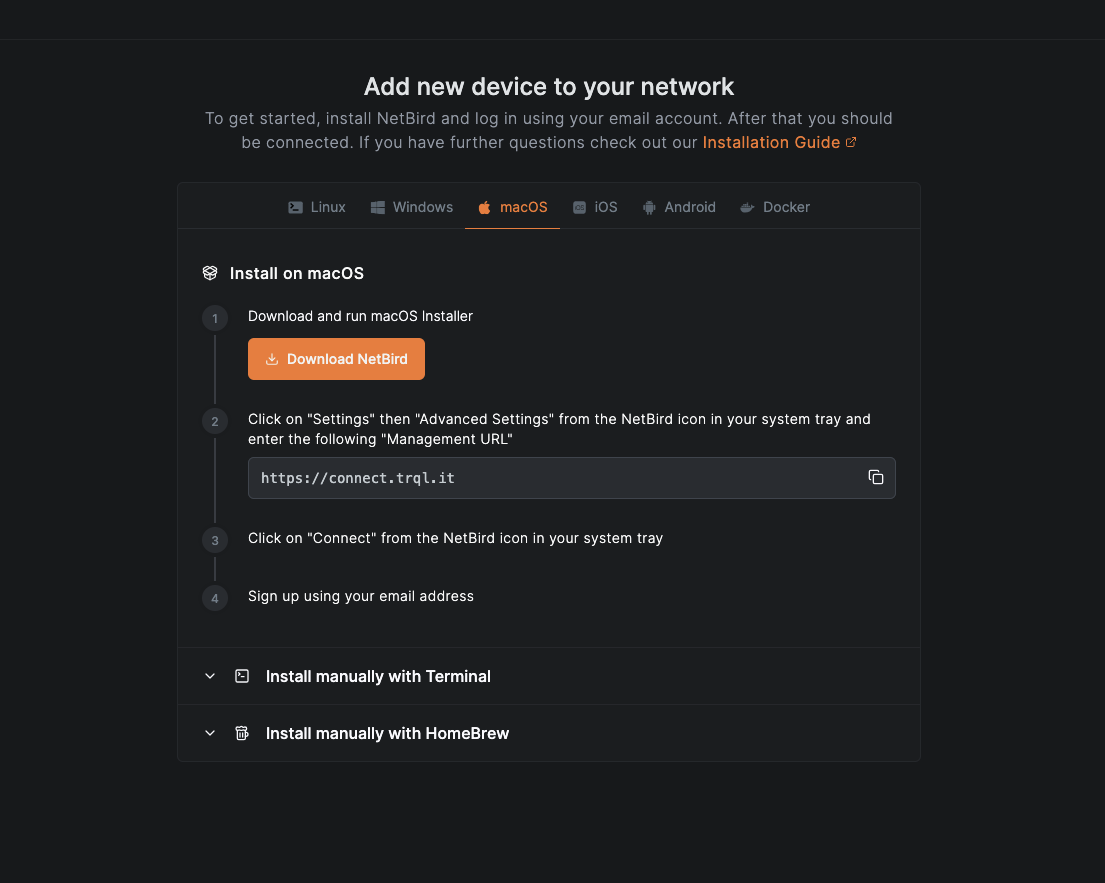
Click Download NetBird
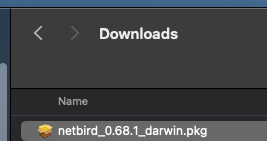
Wait for the netbird installer to download and run the installer from your downloads folder.
Click continue on the first window.
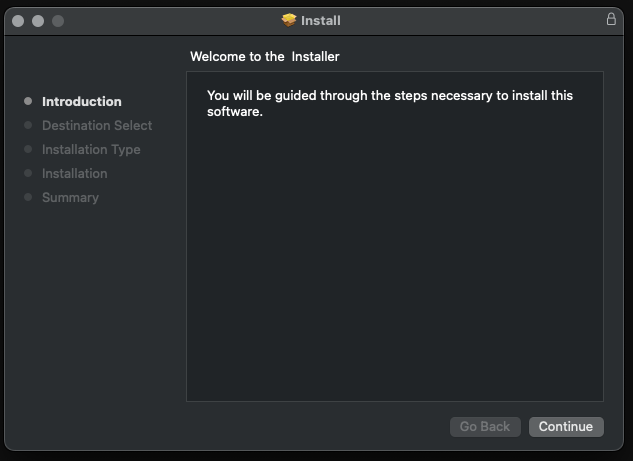
Select your install location, or click Install if you are happy to accept the default.
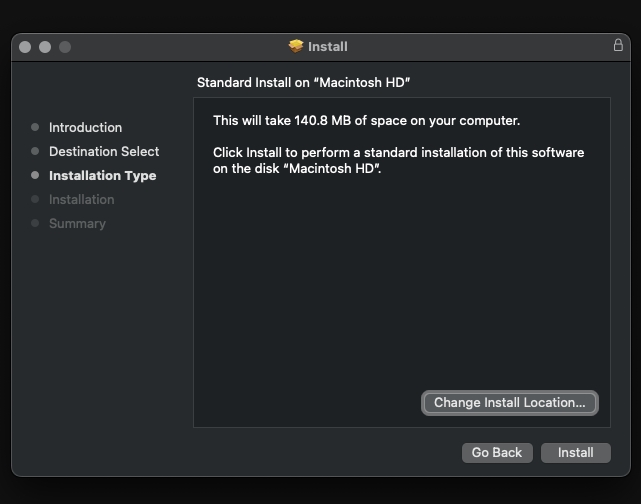
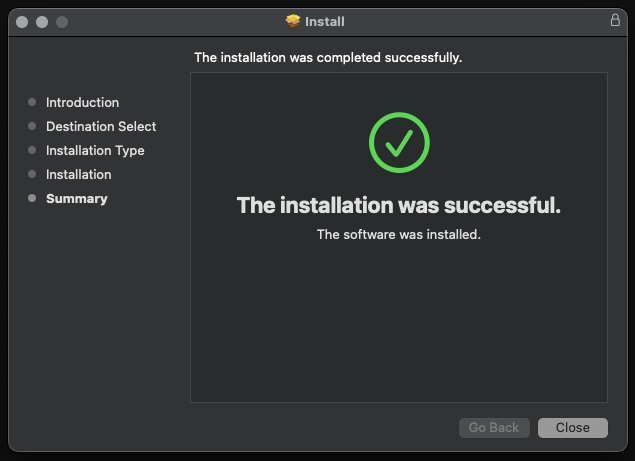
When prompted provide your computers administrator password. Once the install completes you can click close.
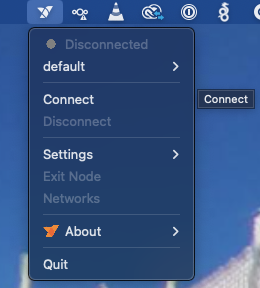
Locate the netbird icon in the top right hand corner of your screen and click it.

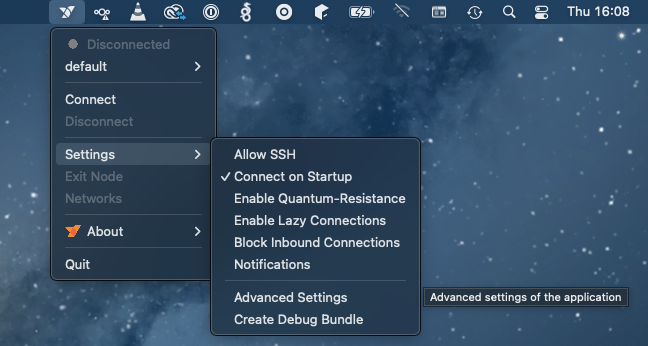
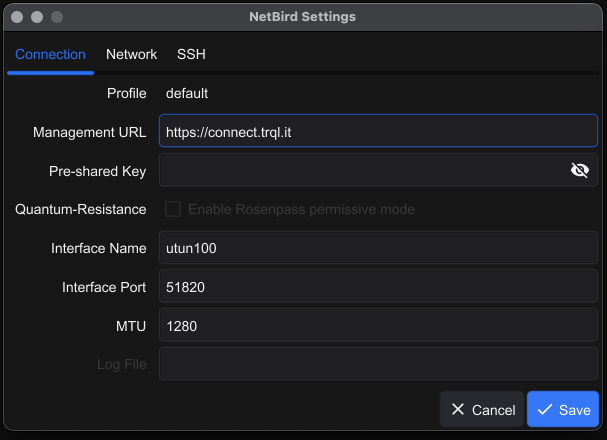
Now copy and paste your connect URL and enter it into Management URL and click Save

Now click on the Netbird icon again and choose connect.
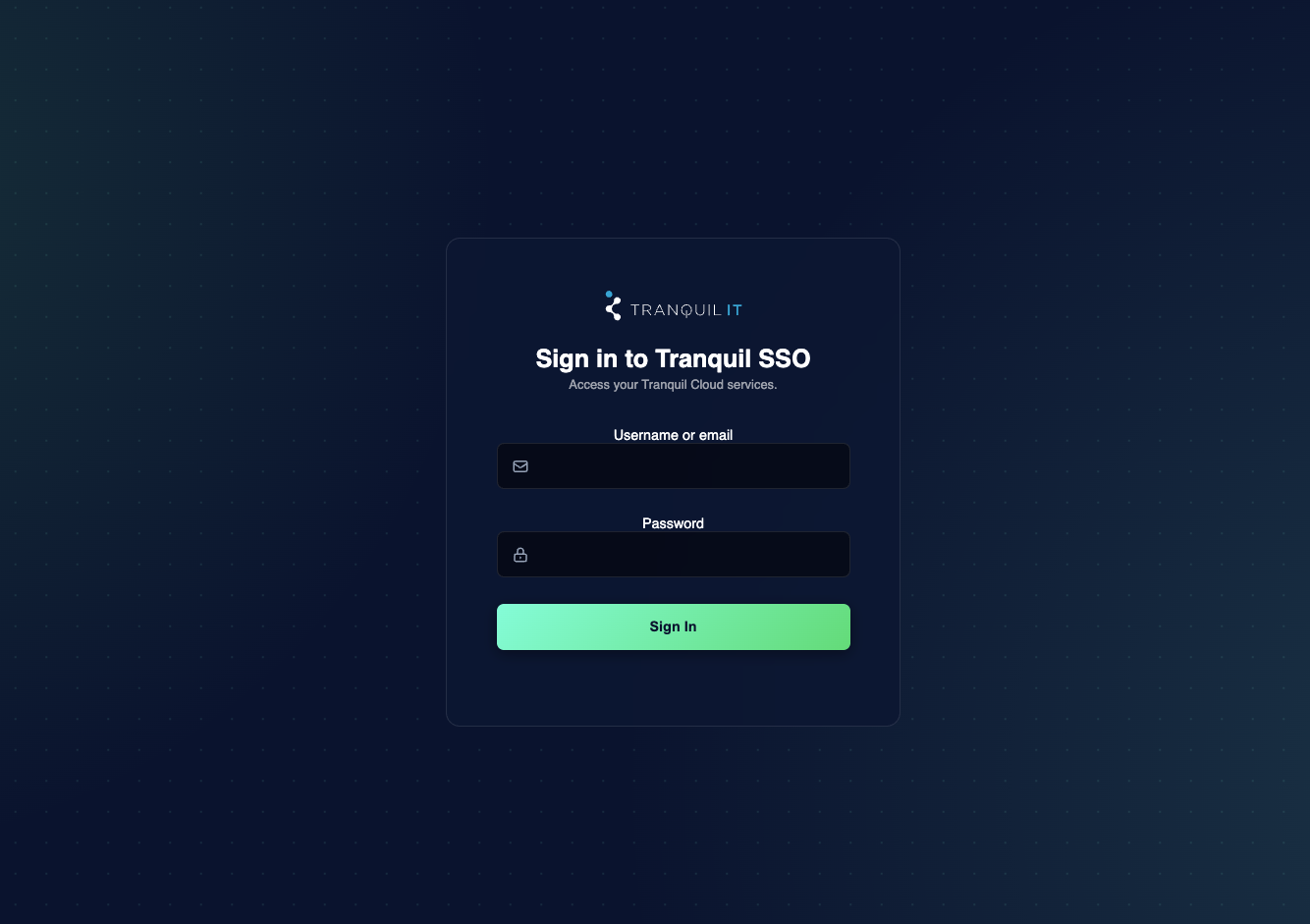
You will be sent to your SSO login again. Simply complete login and your Netbird instance will connect you.
No Comments