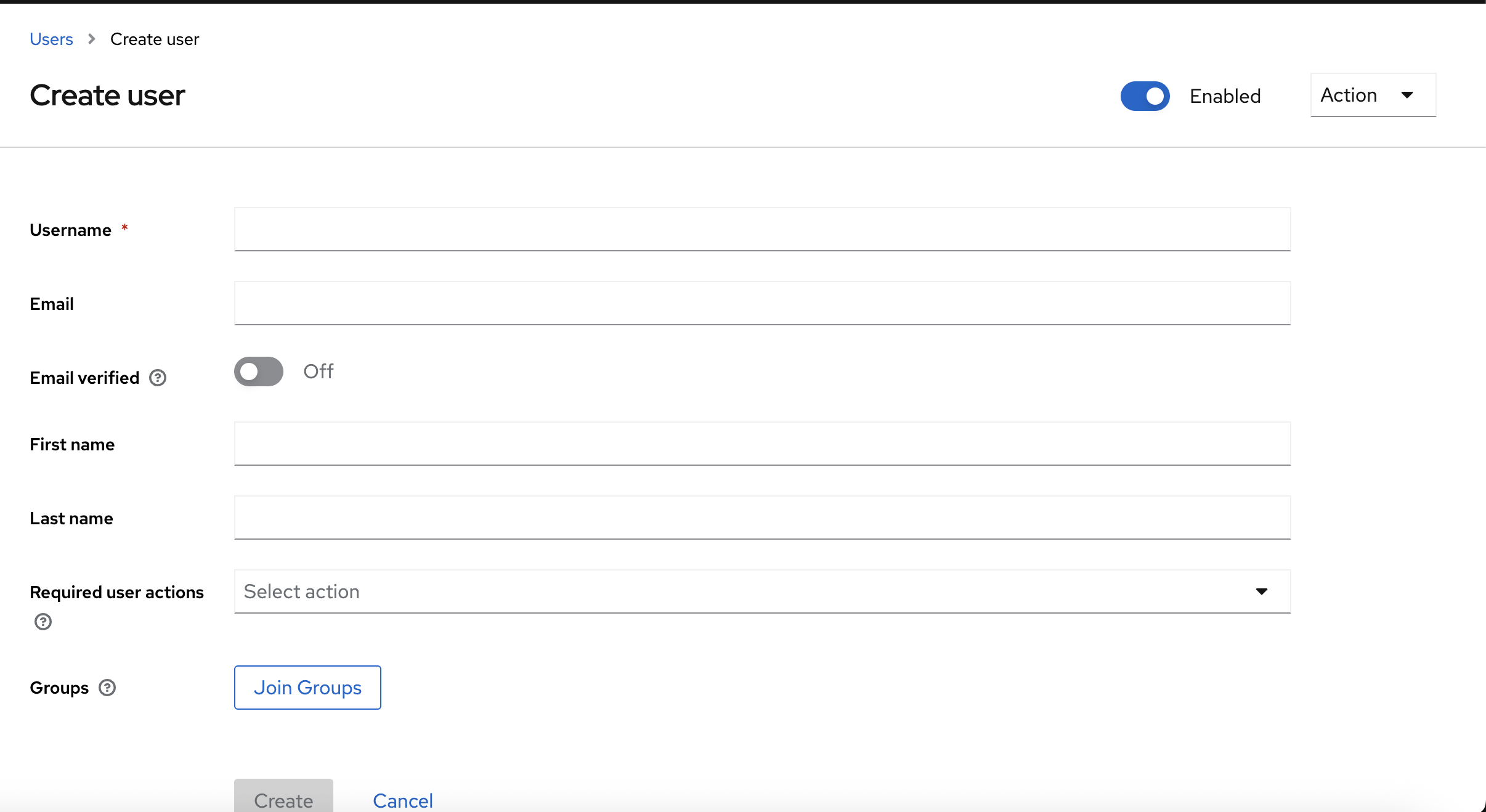
Adding a user
Log in to your Keycloak installation as your admin user.
-
In the left sidebar, go to Users.
-
Click the Create user button.
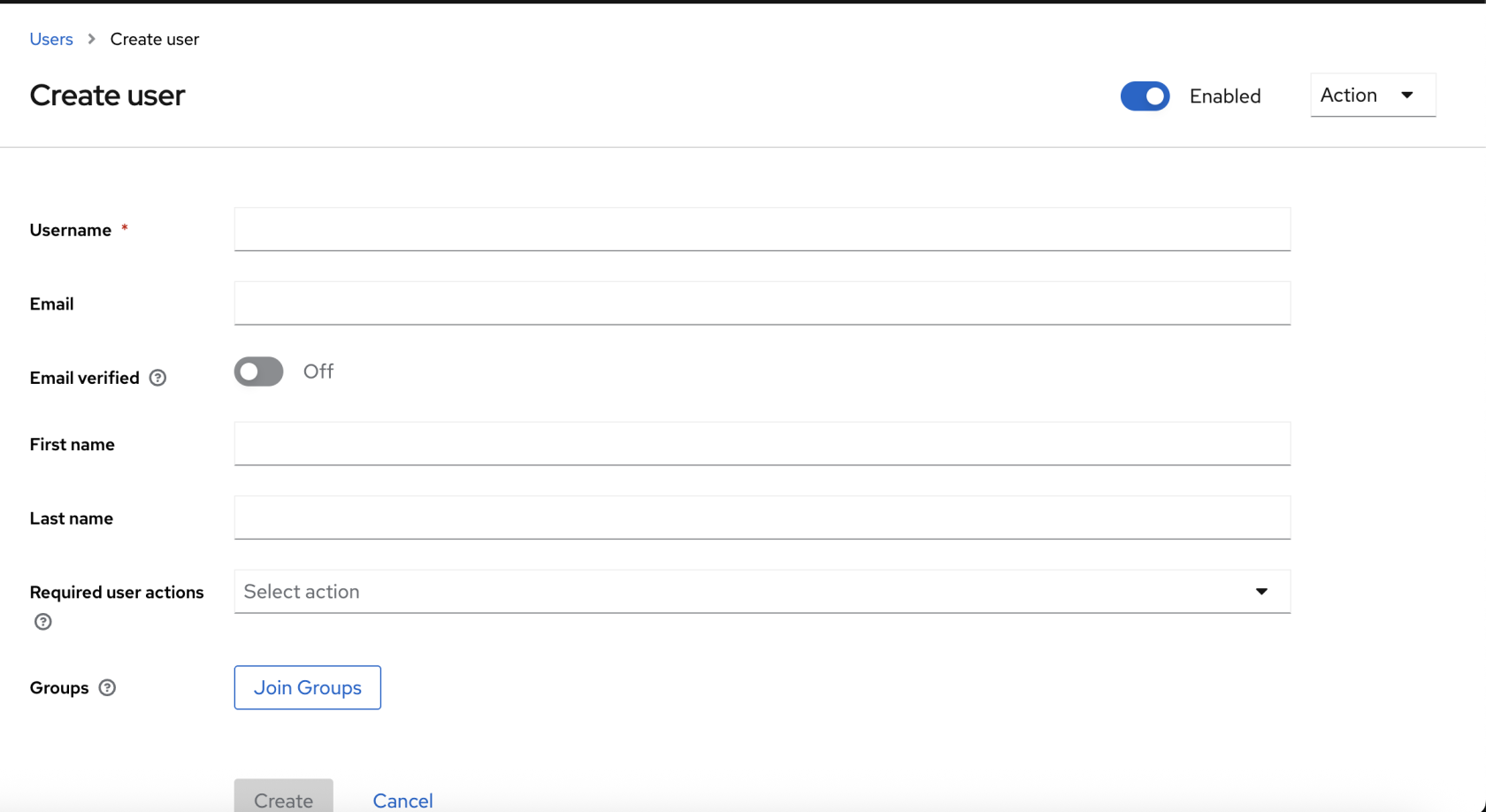
-
Fill in the Username, email, First Name and Last Name fields.
- As this is a new user, the e-mail address you enter must be individual, the email will be automatically created on first log in.
-
Click Create.
-
Set the Password: * Once created, click the Credentials tab at the top.
-
Click Set password.
-
Toggle Temporary to Off if you don't want them forced to change it immediately.
-