
Adding Personal Calendar, Contacts, Tasks and Journal to Mac OS
This guide takes you through adding your personal calendar and contacts to Mac OS
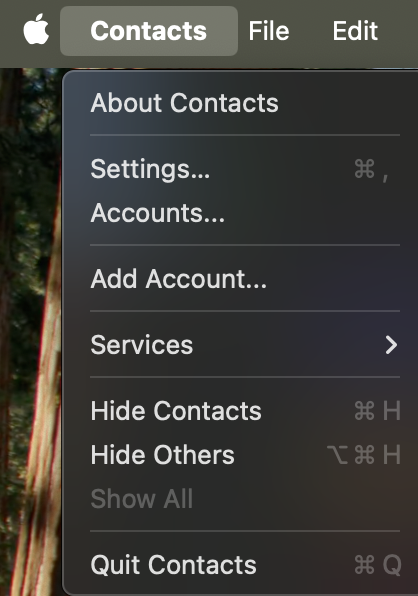
Open the contacts App. Choose Contacts and then select Add Account.
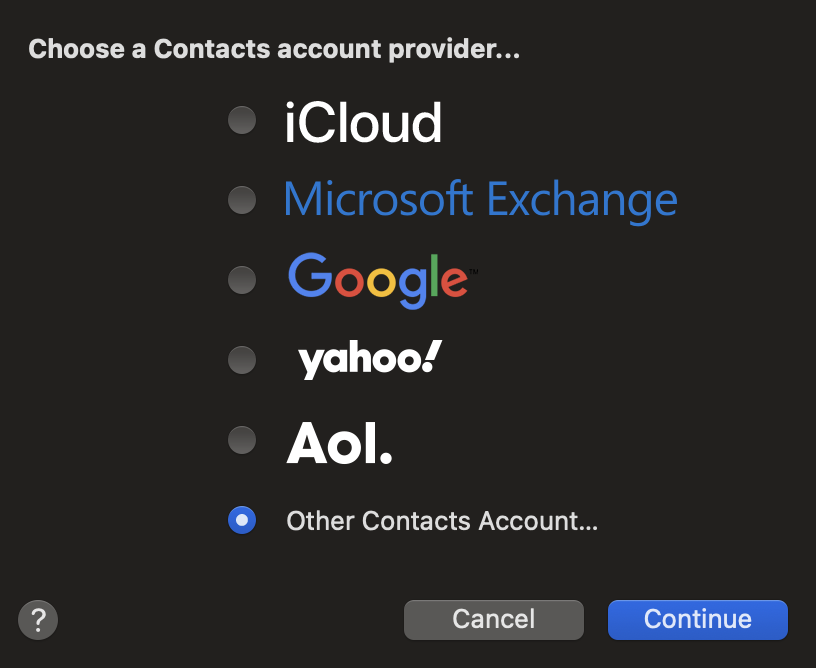
Select other contacts account
Complete the fields as appropriate, Your username is usually your first name and will be the same username as your bookdav login. (likely in 1Password)
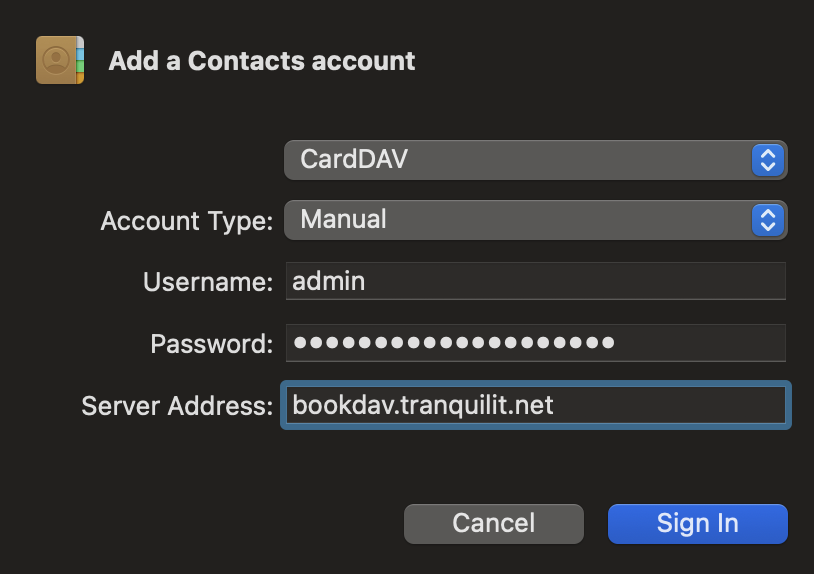
This will add the account with a very stupid name

Lets call it something more recognisable.
Go to contacts and select Accounts...
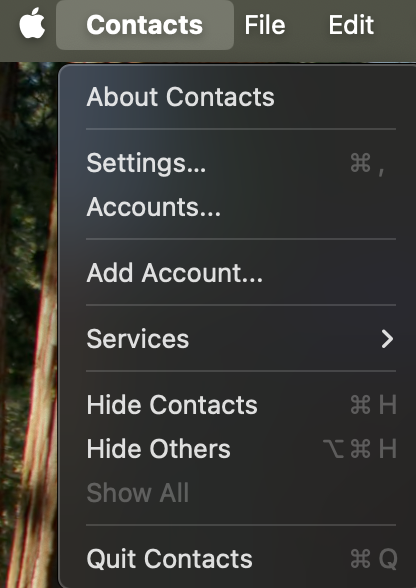
Select the bookdav account

Click in the description field and change it to something more suitable
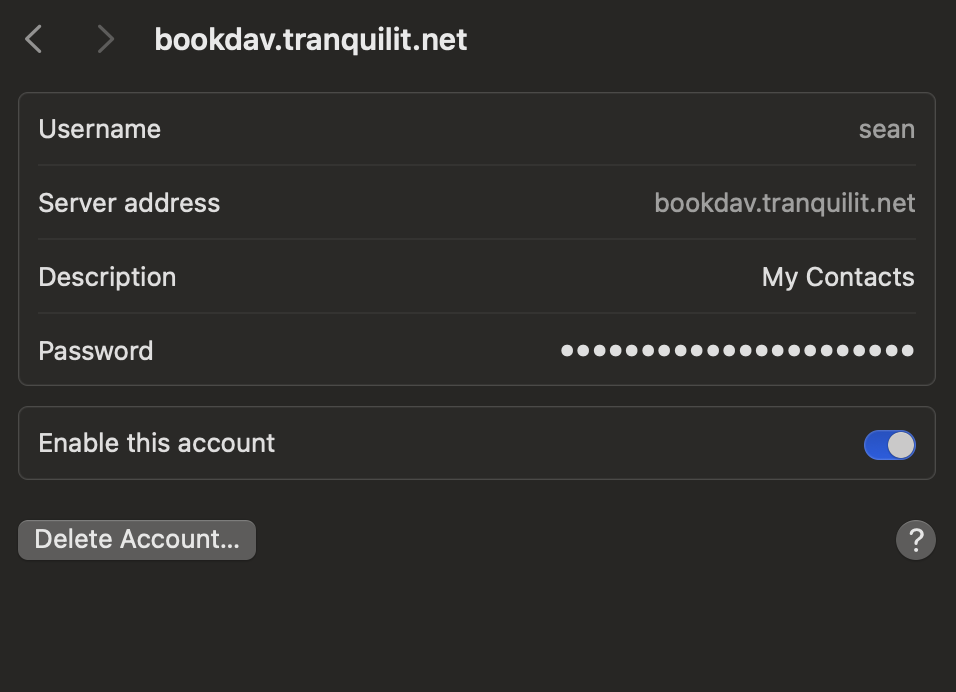
Thats the contacts list done.
Now lets look at the shared Calendar.
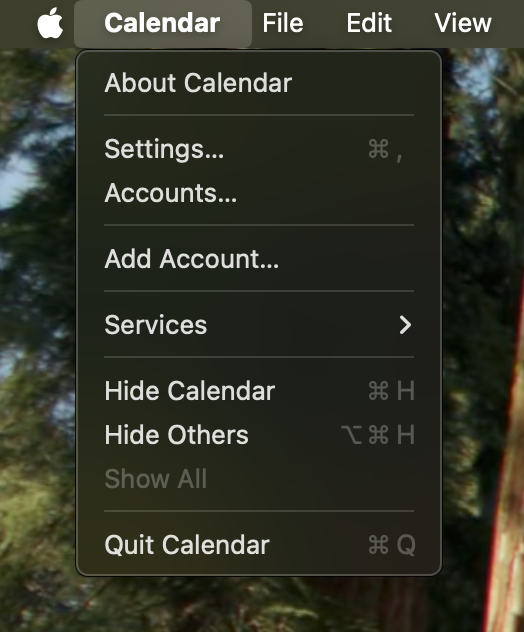
Open Calendar and choose Calendar -> Add Account...
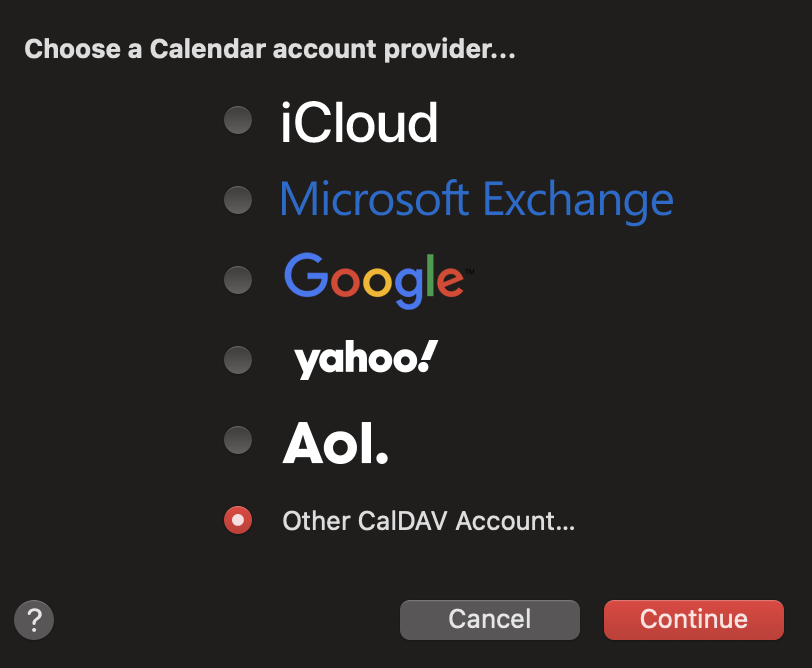
Choose other CalDav account.
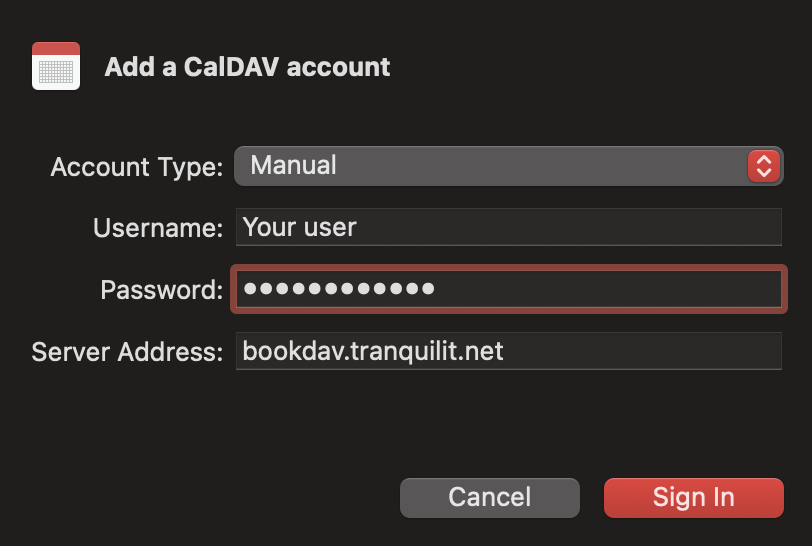
Enter the information below using the same password as you obtained above from 1Password.
Again once the calendar is added, it has a silly name. As before go to Calendar -> Accounts...
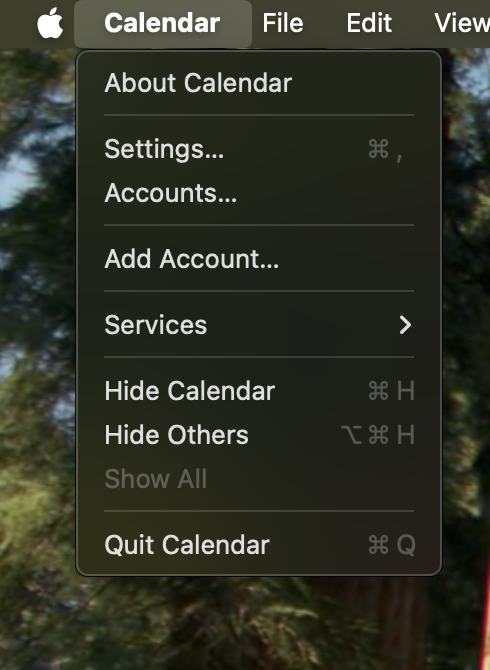
Click on the strangely named account and as before to something more suitable
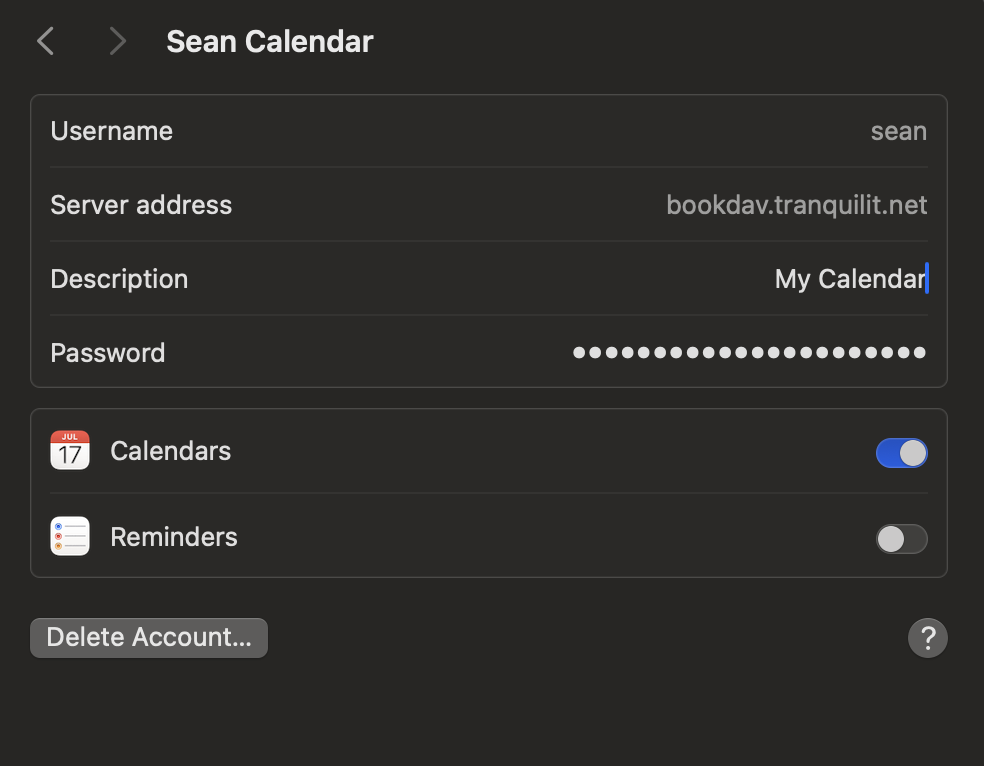
All done!